Post-processing - Walker Generator
Post-processing is a powerful system that allows you to extend and customize the walker generator's level generation process. By creating custom post-processing scripts, you can alter how a level is generated. You can add extra steps to the generator or modify how built-in steps work.
Overview
The post-processing system works by allowing you to register callbacks that execute at specific points during the generation pipeline. Each callback runs at a defined execution order, ensuring that operations happen in the correct sequence.
Post-processing scripts inherit from the WalkerGeneratorPostProcessor class and are automatically discovered and executed by the WalkerGenerator when attached to the generator object or as a child of the generator.
The WalkerGeneratorPostProcessor base class inherits from MonoBehaviour, so it is expected that each post-processor is attached to a game object in a scene.
Execution Order
Use constants from WalkerGeneratorPostProcessor.ExecutionOrder when registering callbacks:
| Order | Operation |
|---|---|
100 | Walker simulation (movement + floor tile spawning) |
200 | Build IntGrid from simulated floor tiles (also fills empty inner cells with walls) |
300 | Add border (BorderSize) and paint border wall tiles |
400 | Noise mapping (applies noise mapping into the inner simulation domain) |
401 (internal) | Center-grid transform adjustment (moves the generator root transform; does not modify the IntGrid) |
500 | Place spawn/exit POIs |
600 | Spawn structures (populates result.FixedPositions) |
700 | Minimum wall size cleanup (removes wall islands inside the inner domain) |
1000 | Layout generated (do not modify the IntGrid) |
1100 | Theme engine |
2000 | Level generated |
Modify tiles/biomes before ExecutionOrder.LayoutGenerated (1000). After that, the theme engine assumes the layout is stable.
Creating Custom Post-Processors
To create a custom post-processor:
- Create a new script that inherits from
WalkerGeneratorPostProcessor - Implement the required
SetupCallbacksmethod - Optionally override the core walker simulation by setting
Generator.WalkerAlgorithmOverrideinSetupCallbacks - Attach the script to your
WalkerGeneratoror to a child object
Basic Structure
using Frigga;
using UnityEngine;

namespace Frigga.Extra
{
    public class MyWalkerPostProcessor : WalkerGeneratorPostProcessor
    {
        public override void SetupCallbacks(GeneratorCallbacks callbacks)
        {
            callbacks.RegisterAfter(ExecutionOrder.BuildIntGrid, HandleAfterBuild);
        }

        private void HandleAfterBuild(GeneratorResult result)
        {
            // Custom processing logic here
        }
    }
}
Callback Registration
Use ExecutionOrder constants to register callbacks at the appropriate execution point:
// Execute after build
callbacks.RegisterAfter(ExecutionOrder.BuildIntGrid, HandleAfterBuild);

// Execute before a specific stage
callbacks.RegisterBefore(ExecutionOrder.PlaceSpawnAndExit, HandleBeforeSpawn);

// Replace a stage entirely (non-coroutine)
callbacks.RegisterInsteadOf(ExecutionOrder.MinimumWallSizeCleanup, HandleCleanupReplacement);

// Replace a stage entirely (coroutine)
callbacks.RegisterCoroutineInsteadOf(ExecutionOrder.MinimumWallSizeCleanup, HeavyCleanup);
Performance Considerations
For performance-heavy operations, use coroutine callbacks and yield return null to keep the editor/game responsive:
private IEnumerator HeavyProcessing(GeneratorResult result)
{
    var positions = result.Bounds.allPositionsWithin;
    var i = 0;

    foreach (var position in positions)
    {
        // Process position

        i++;
        if (i % 200 == 0)
            yield return null;
    }
}
Examples
Checkerboard Post-processor
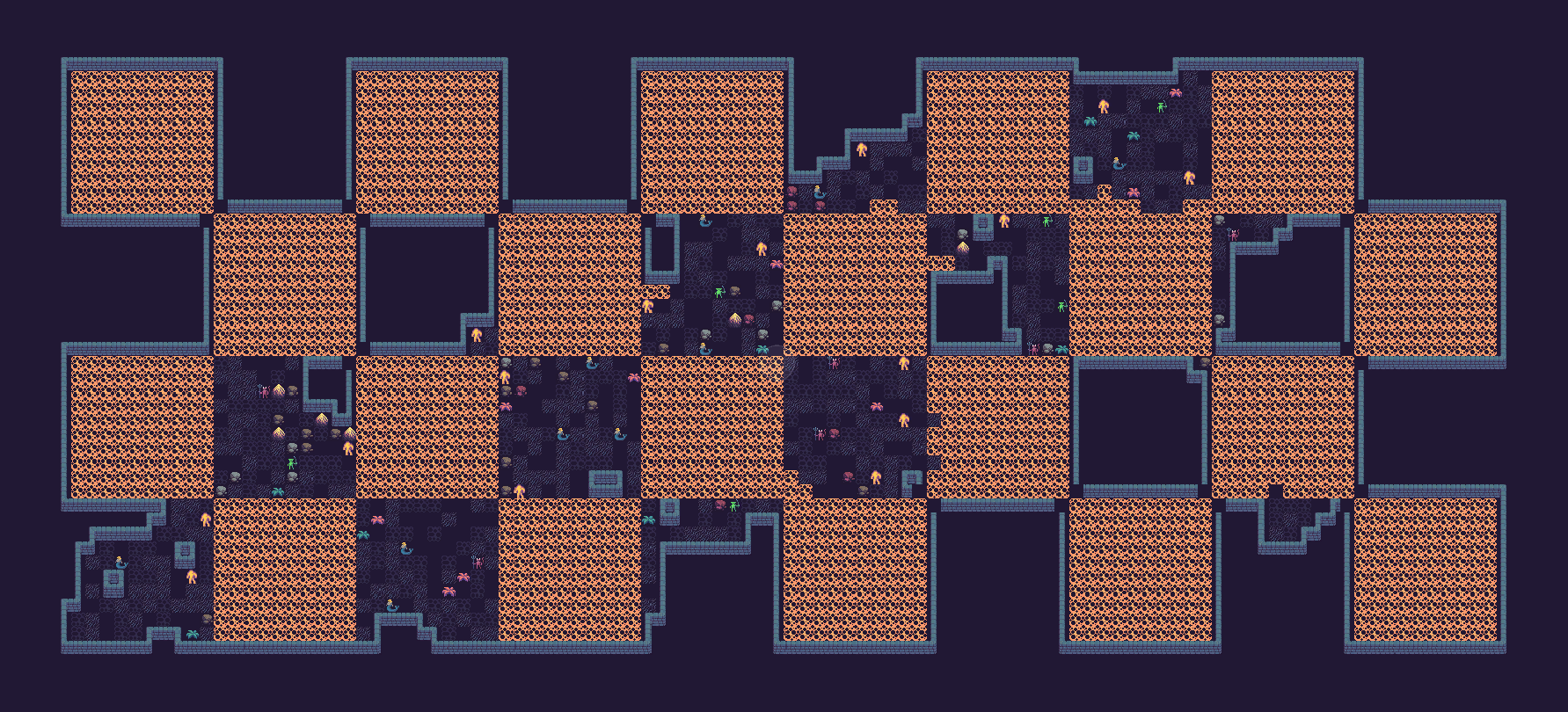
The WalkerCheckerboardPostProcessor demonstrates modifying the generated IntGrid directly after BuildIntGrid.
It registers with:
callbacks.RegisterAfter(ExecutionOrder.BuildIntGrid, ...)(so it runs atBuildIntGrid + 1, before the border expansion stage)
The post-processor:
- iterates
result.Bounds.allPositionsWithin(at that pointresult.Boundsis the inner simulation domain) - only touches cells that are already non-empty (
tileData.Tile != 0) - writes
_checkerboardTileon the checkerboard pattern
Example implementation:
using Frigga;
using UnityEngine;

public class WalkerCheckerboardPostProcessor : WalkerGeneratorPostProcessor
{
    [IntGridTilePicker] [SerializeField] private int _checkerboardTile;
    [SerializeField] [Min(1)] private int _squareSize = 1;

    public override void SetupCallbacks(GeneratorCallbacks callbacks)
    {
        callbacks.RegisterAfter(ExecutionOrder.BuildIntGrid, HandleCheckerboard);
    }

    private void HandleCheckerboard(GeneratorResult result)
    {
        foreach (var position in result.Bounds.allPositionsWithin)
        {
            var size = Mathf.Max(1, _squareSize);
            var isCheckerboard =
                (Mathf.FloorToInt((float) position.x / size) + Mathf.FloorToInt((float) position.y / size)) % 2 == 0;

            if (!isCheckerboard)
            {
                continue;
            }

            var tileData = result.IntGrid.GetTileData(position);
            if (tileData.Tile == 0)
            {
                continue;
            }

            tileData.Tile = _checkerboardTile;
            result.IntGrid.SetTileData(position, tileData);
        }
    }
}
Source:
com.ondrejnepozitek.frigga.extra/Extra/WalkerPostProcessing/WalkerCheckerboardPostProcessor.cs
Custom Walker Algorithm
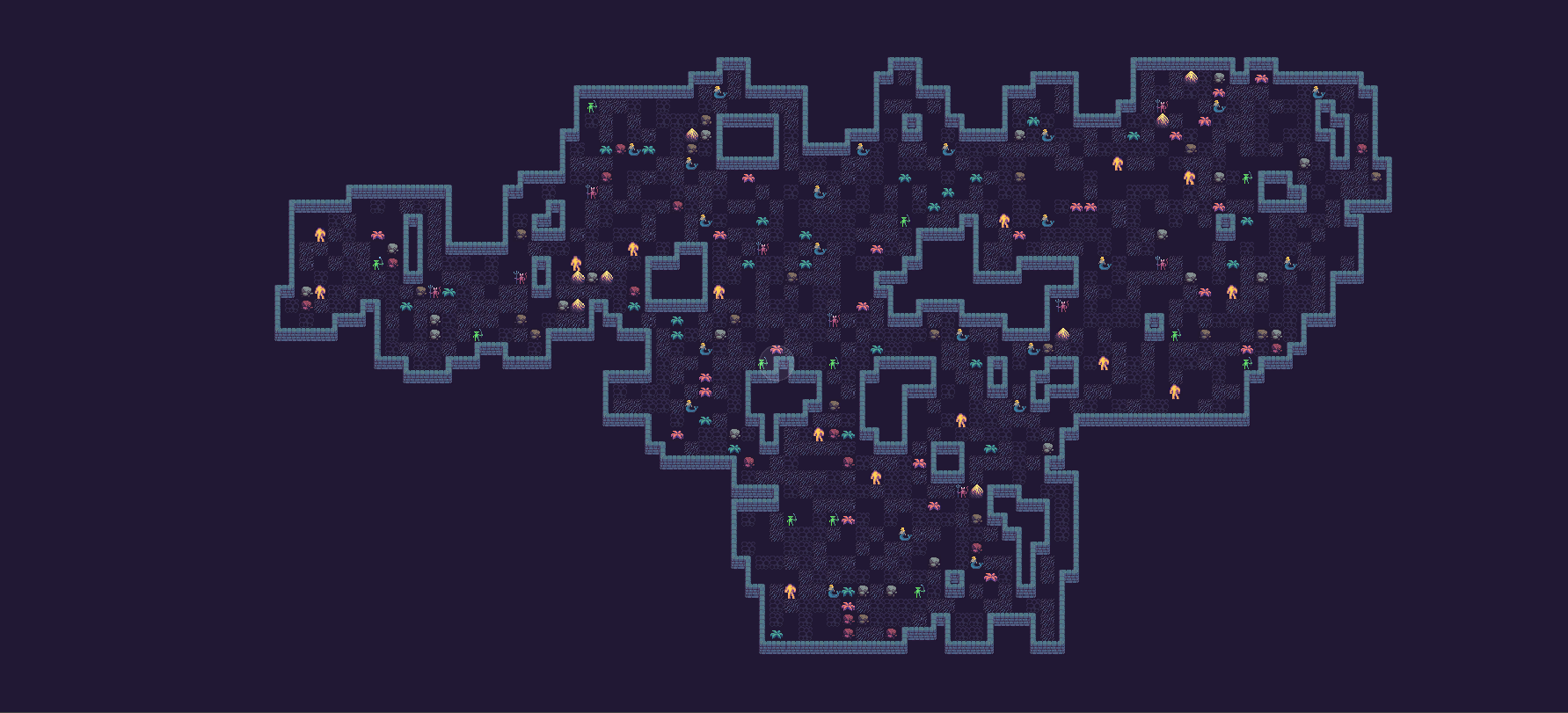
You can override the core Walker simulation (movement + floor tile spawning) by setting Generator.WalkerAlgorithmOverride in SetupCallbacks().
using Frigga;
using UnityEngine;

public class SimpleWalkerPostProcessor : WalkerGeneratorPostProcessor, IWalkerAlgorithm
{
    [SerializeField] [Range(0, 1)] private float _rotationChance = 0.5f;
    [SerializeField] [Min(1)] private int _maxStepsWithoutRotation = 10;

    private System.Random _random;

    public override void SetupCallbacks(GeneratorCallbacks callbacks)
    {
        Generator.WalkerAlgorithmOverride = this;
    }

    public void Initialize(WalkerGenerator generator, WalkerGeneratorState state)
    {
        _random = new System.Random(generator.Seed);

        var walker = new WalkerAgent(Vector3Int.zero, WalkerDirection.Up, state.Bounds);
        state.Walkers.Add(walker);
    }

    public void DoOneIteration(WalkerGeneratorState state)
    {
        foreach (var walker in state.Walkers)
        {
            if (!walker.MoveForward())
            {
                walker.TurnRight();
                walker.TurnRight();
                continue;
            }

            state.FloorTiles.Add(walker.Position);

            if (walker.StepsForward >= _maxStepsWithoutRotation || _random.NextDouble() < _rotationChance)
            {
                var turnRight = _random.NextDouble() < 0.5;
                walker.TurnRight();

                if (!turnRight)
                {
                    walker.TurnRight();
                    walker.TurnRight();
                }
            }
        }
    }

    public void OnSimulationComplete(WalkerGeneratorState state)
    {
    }
}
IWalkerAlgorithm is run-scoped:
Initialize(generator, state)is called once per generation runDoOneIteration(state)is called repeatedly until the generator stopsOnSimulationComplete(state)finalizes any simulation-specific data (notablystate.Boundswhen applicable)
Useful runtime types for custom core logic:
IWalkerAlgorithmWalkerGeneratorState(walkers, floor tiles, and bounds)WalkerAgent(per-walker state and movement helpers)WalkerDirectionandWalkerSquareGridhelpersIWalkerBounds/RectWalkerBoundsfor custom movement constraints
Advanced post-processors can also read/mutate generator internals through Generator.State.
Generator.State.PostProcessProtectedPositions is the shared contract used by built-in Walker stages to protect POIs and structure-used cells from later cleanup passes.
Source:
com.ondrejnepozitek.frigga.extra/Extra/WalkerPostProcessing/SimpleWalkerPostProcessor.cs
Advanced Usage
GeneratorCallbacks exposes several registration methods (all based on execution order values):
Register(order, callback)for exact orderRegisterAfter(order, callback)/RegisterBefore(order, callback)for nearby hooksRegisterInsteadOf(order, callback)to replace all callbacks at that exact order- Coroutine variants for heavy work (use
yield return null;):RegisterCoroutine(order, callback)RegisterCoroutineAfter(order, callback)RegisterCoroutineBefore(order, callback)RegisterCoroutineInsteadOf(order, callback)
Prefer using WalkerGeneratorPostProcessor.ExecutionOrder constants over hardcoded numbers.