Making dungeons from simplex noise
In this article, I want to show you how we can generate procedural dungeons from simplex noise using Frigga - a Unity asset for procedural level generation. We will go through all the important techniques so that you can generate such levels yourself. For the visuals, I'm using the Roguelike tileset by @Backterria.
The concepts here are universal and apply to any procedural generation setup - but Frigga handles all of it out of the box, so you don't need to implement it from scratch.
Working with simplex noise
For this level, we'll use the Noise generator. We start with simplex noise with a Wavelength equal to 15. Nothing special - we can play with the properties later if we want a slightly different shape of the dungeons.
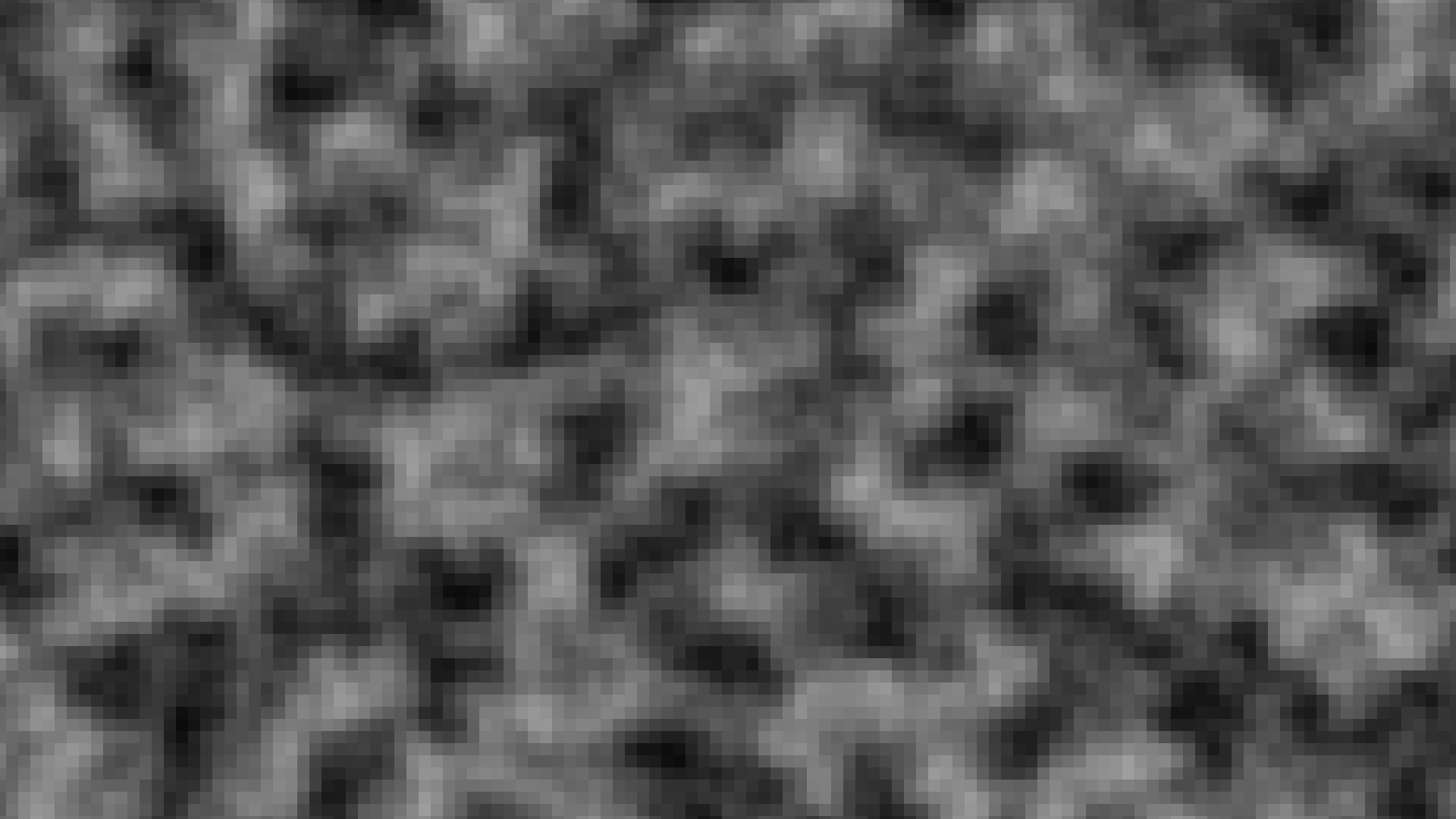
Now if we used the noise as-is, the dungeon would look very unnatural near the borders. Raw noise doesn't naturally form closed edges, so the dungeon would simply continue beyond the level boundary. Since we want to generate levels with a fixed size, we need to make sure the level is fully enclosed by walls near the border.
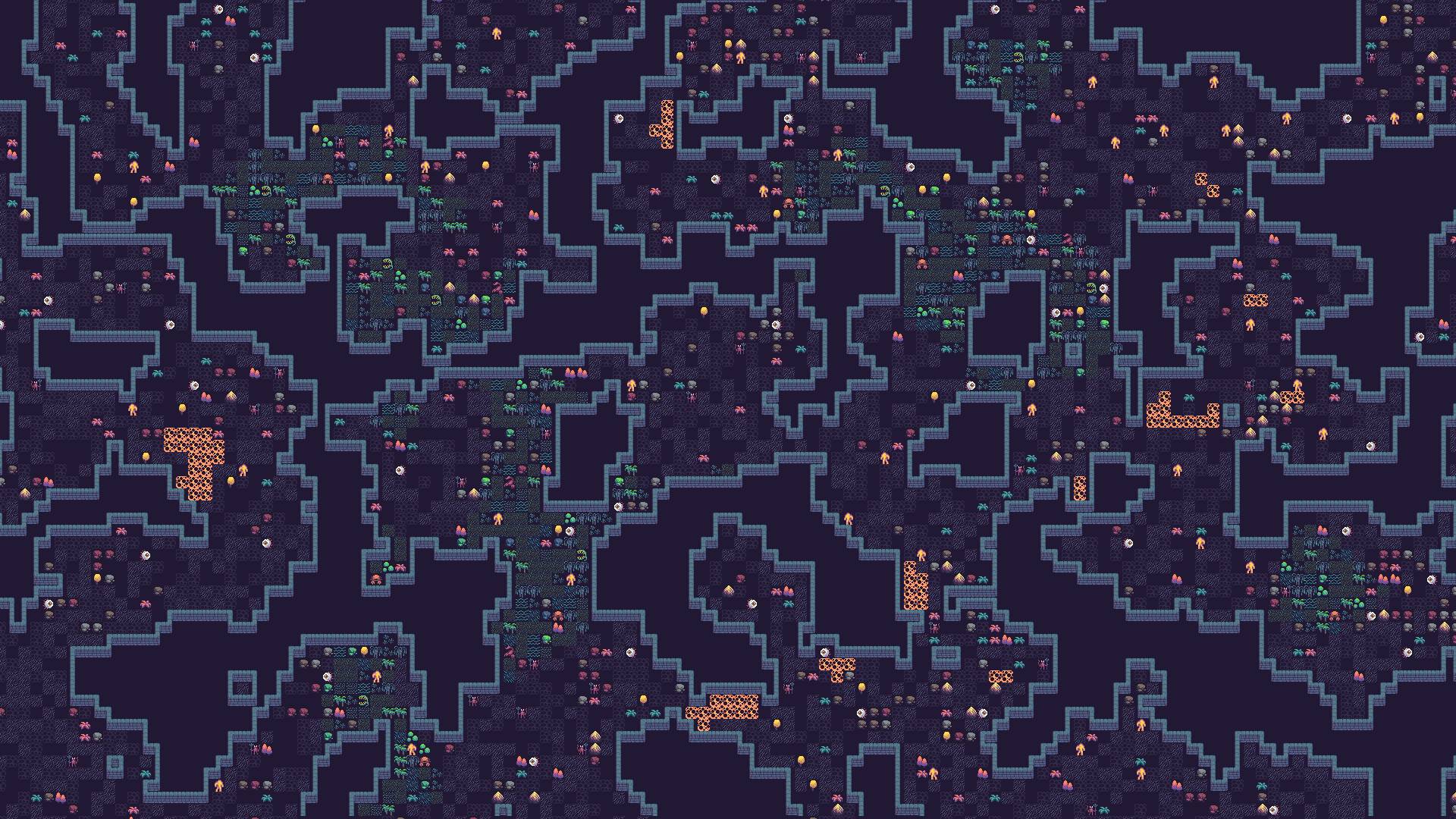
A simple way to fix this problem is to enable the Island Mode, which makes sure that the noise values get gradually lower as we get closer to the border.

This solves the problem with the border, but there's another issue. The standard island mode approach not only lowers elevation near the border - it also raises it toward the center. That means the center of the level becomes one big open area with walls only around the outside, as you can see in the screenshot below.
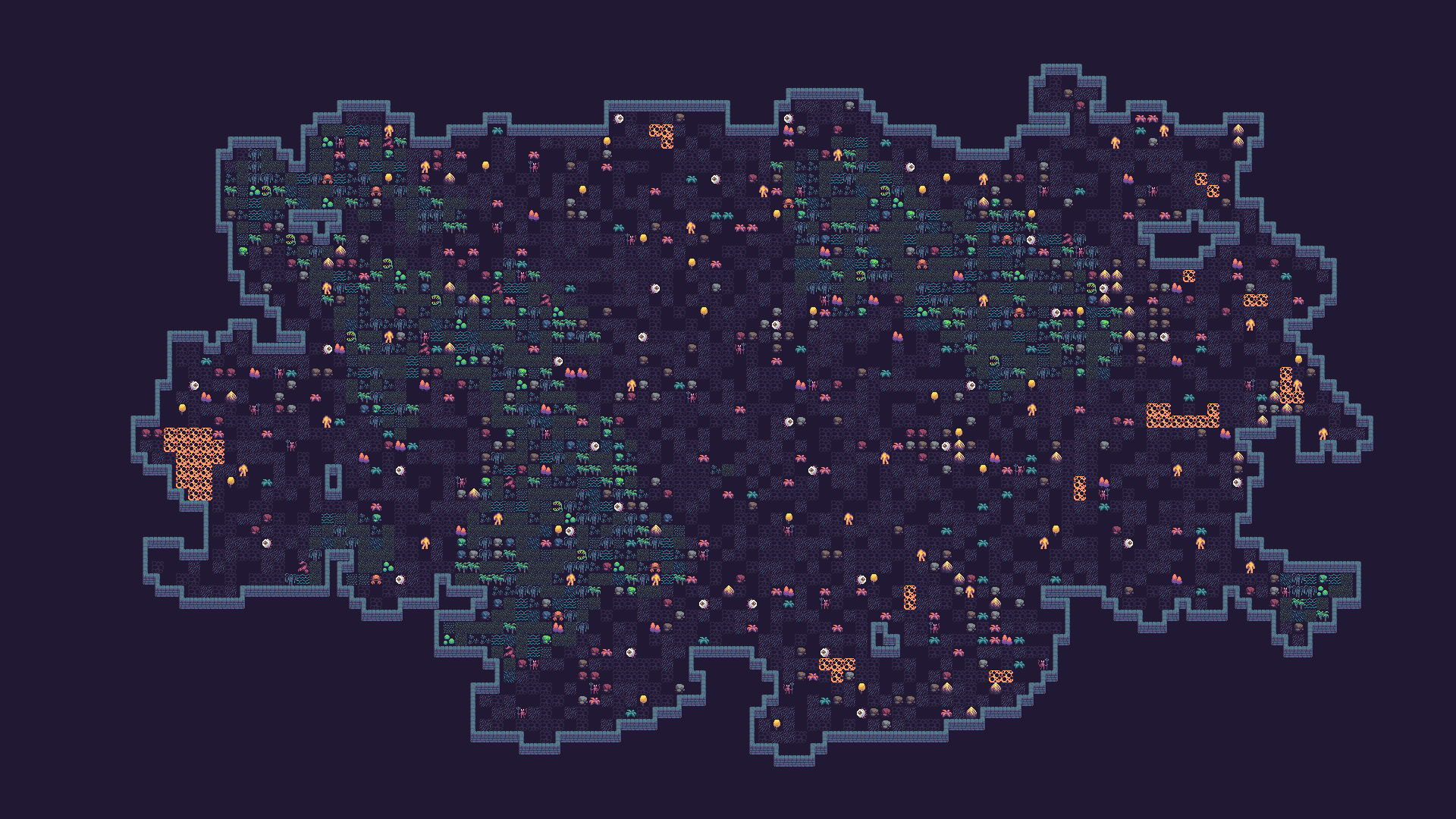
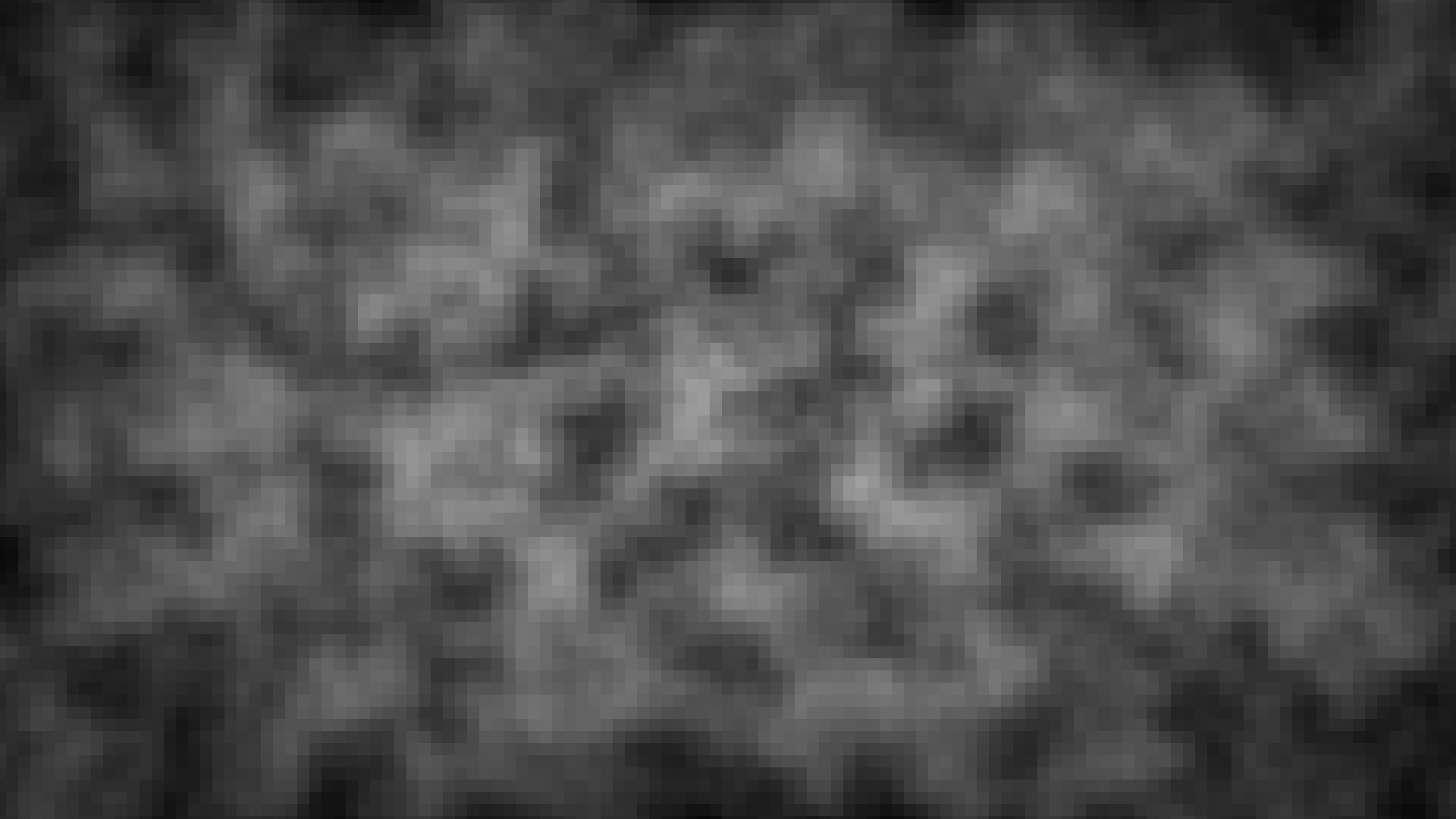
Fortunately, there is an easy fix. In Frigga, you can apply a so-called Island Threshold, which makes it so that the center of the level is not affected by the elevation increase caused by the island mode. I set it to 0.41 here, but you can experiment with different values. As a result, we get noise values similar to what we can see on the screenshot below, keeping the center of the level nicely varied.
Noise mapping and post-processing
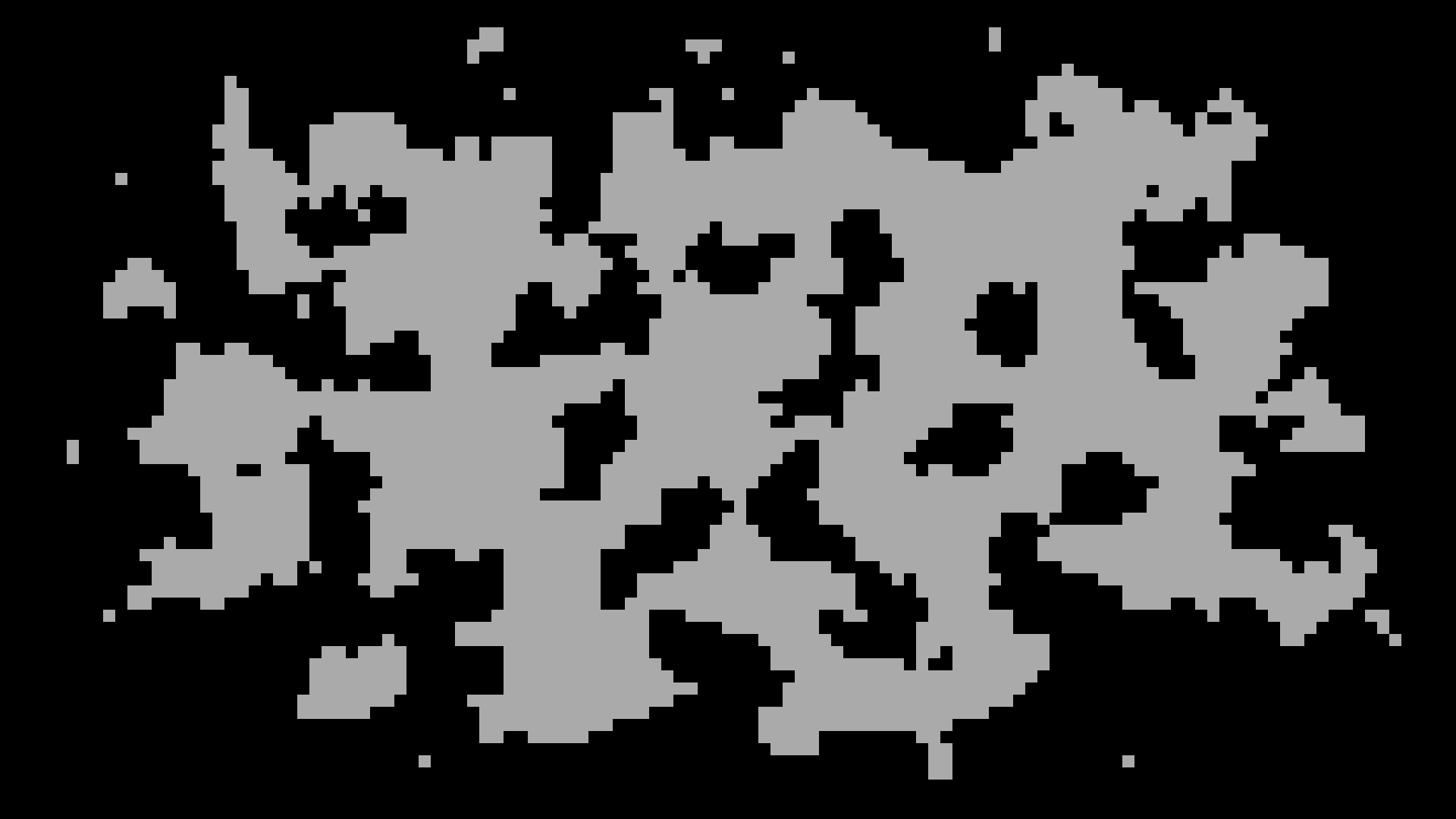
Next, we need to convert the noise values in the range of [0, 1] to floor and wall tiles. For this level, I configured it so that every tile with value more than 0.5 becomes a floor tile and the rest is wall tiles. You can experiment with different values to get different results.
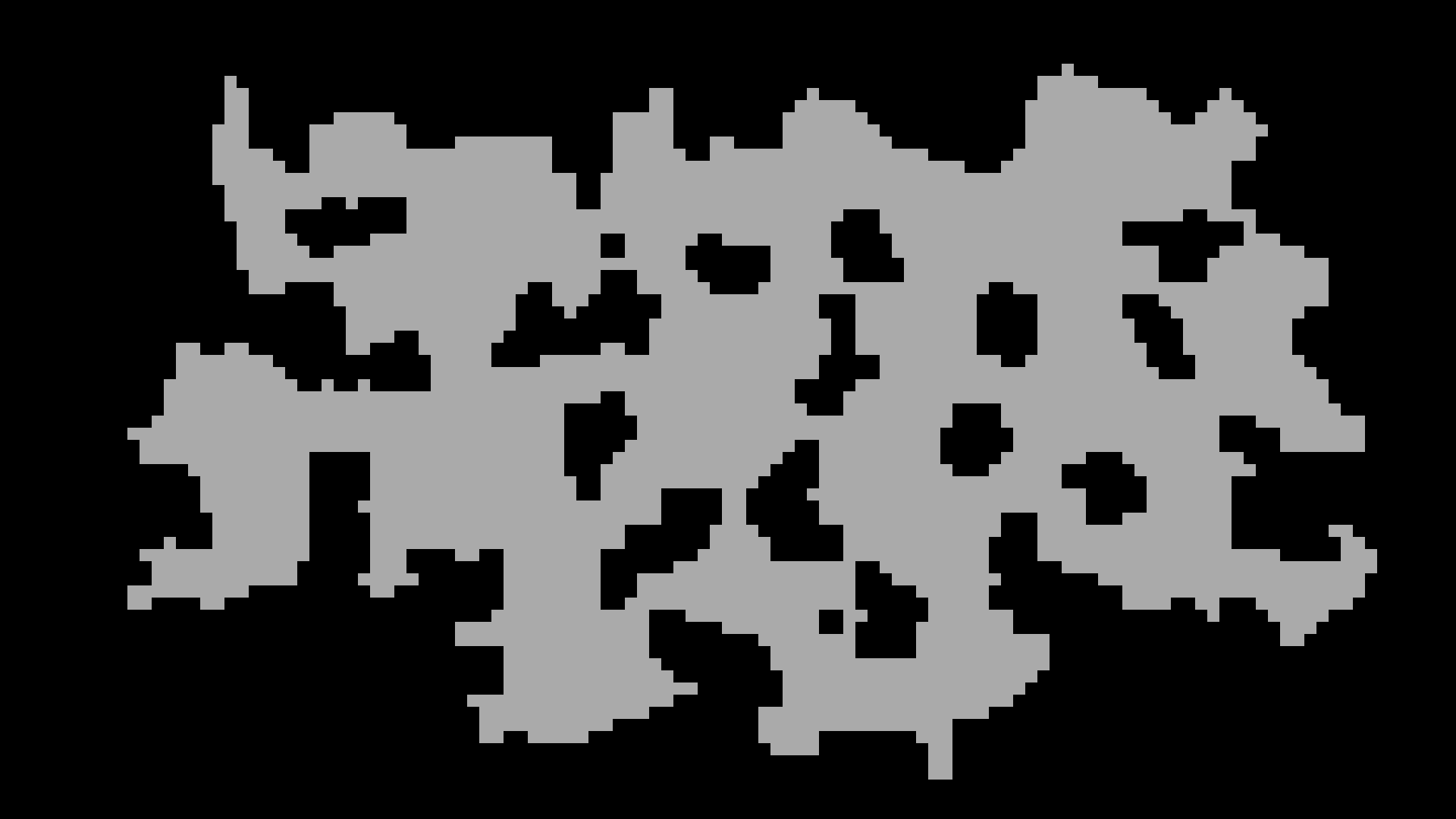
The next step is to make sure that there are no disconnected areas in the level. In Frigga, you can choose to either remove disconnected areas or to connect them with the rest using corridors. I chose to simply remove them here and also applied a smoothing step on top that removes wall tile chunks that are too small. This was purely stylistic, as I thought it works well with the tileset. Both are built-in post-processing steps - no custom scripting needed.
Theme
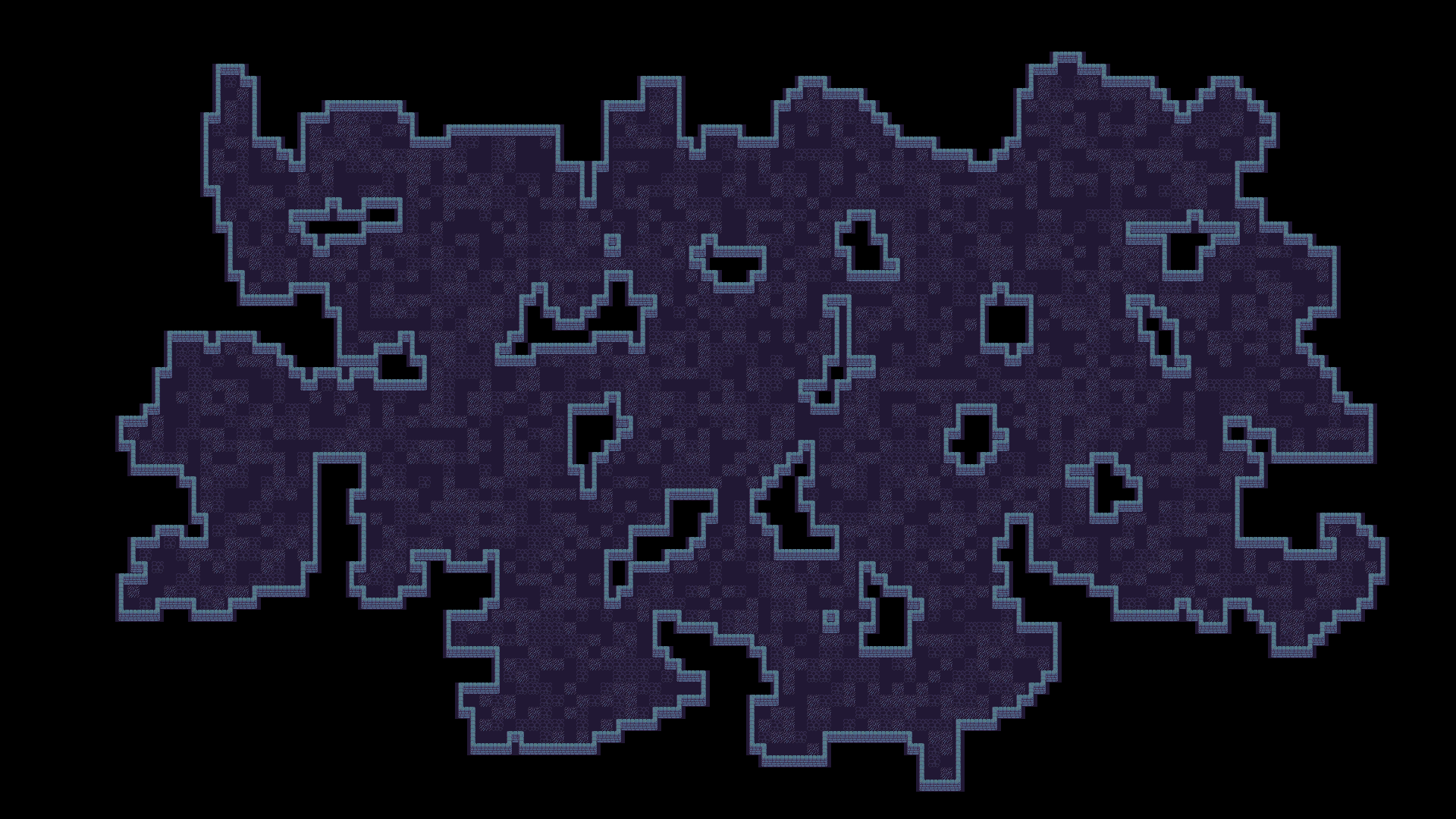
With the noise mapping done, we can finally apply the tileset that I picked for this example. In Frigga, this is done by defining a Theme. Each Theme is a collection of rules describing what tiles to place where. For example, for the wall tiles that you can see below, the rules are very similar to Rule tiles that are commonly used in Unity. For the floor tiles, there is a rule that randomly places one of the provided tiles.
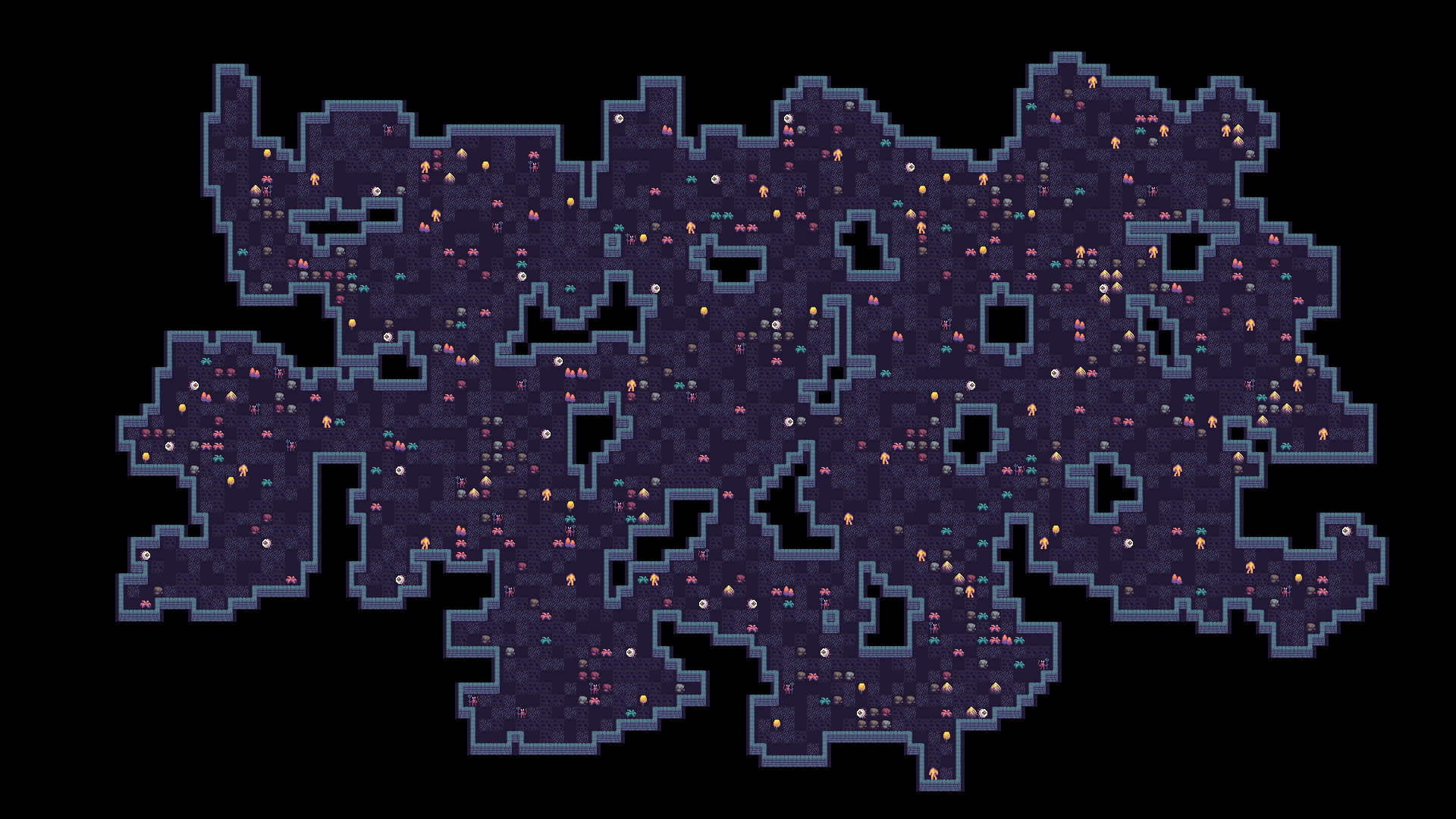
Next, we can place some enemies, vegetation and rocks. Vegetation is placed based on probability. Enemies are placed with a minimum distance of 5 tiles between them and a spawn probability. Rocks are placed based on probability as well, but there is another rule that places them based on a simplex noise value, creating chunks of rocks in some places.
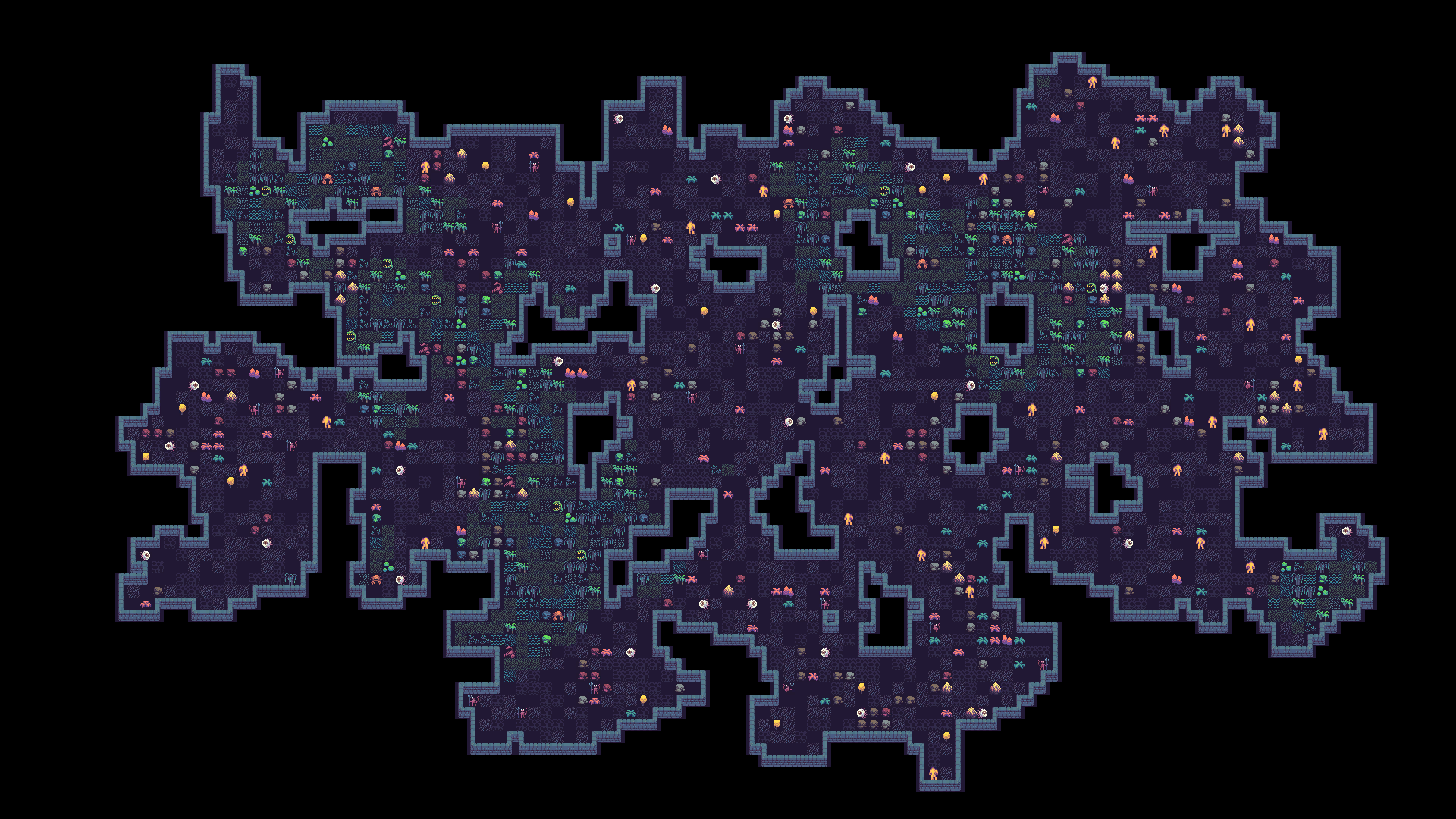
Then I thought it could be interesting to add a distinct biome - the Swamp. I used another simplex noise to determine which tiles belong to the Swamp biome, then enabled some Theme rules only when that biome is active.
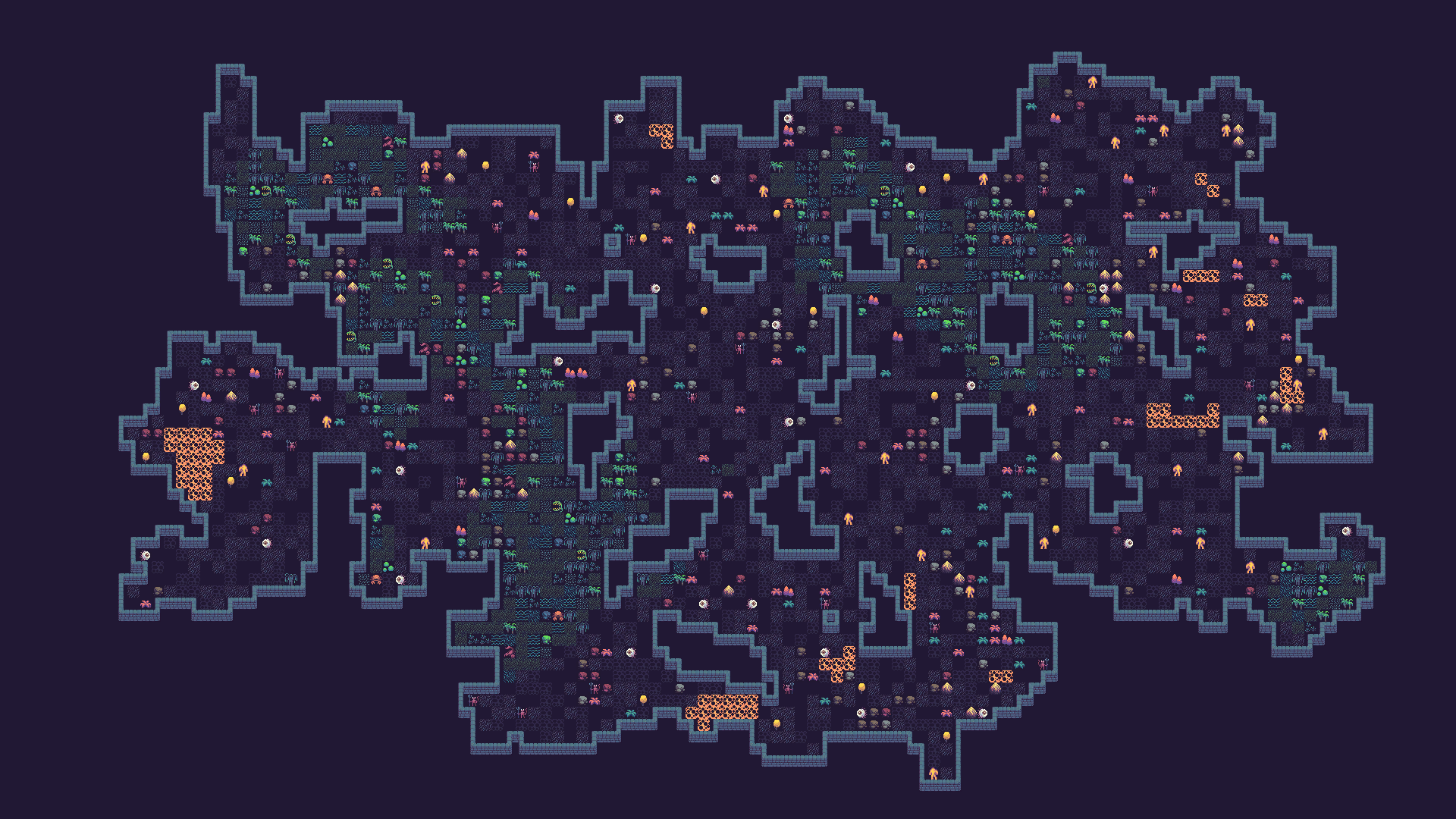
If you're already bored by simplex noise, I have bad news for you! For the lava tiles, I used a combination of two simplex noises. I created one noise specifically for lava placement, but I also didn't want lava appearing too close to the swamp. So a tile only gets a lava tile if the lava noise is high enough and the swamp noise is low - keeping the two biomes from overlapping.
Structures
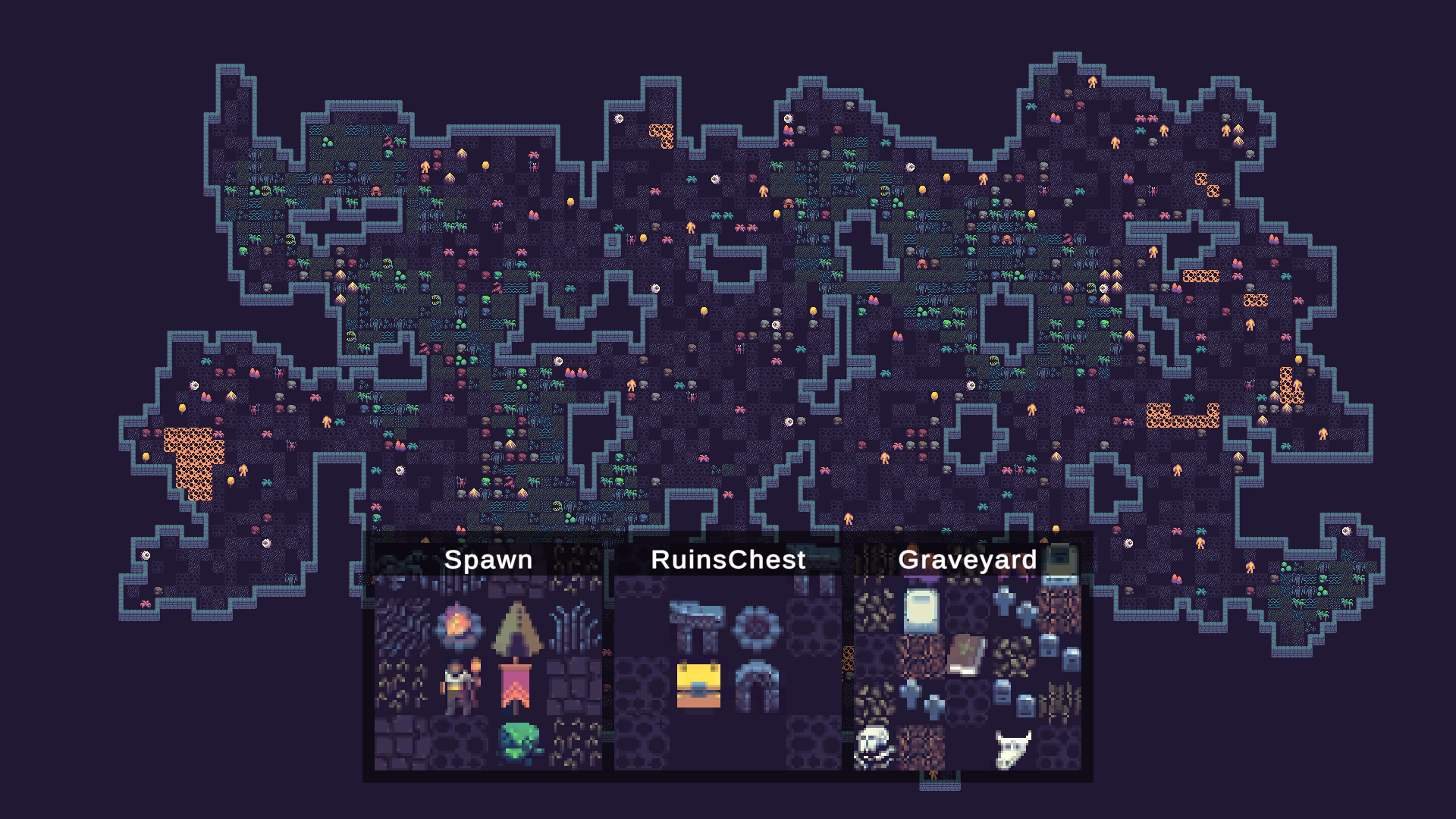
The last thing I added to the level is so-called Structures. These are hand-made prefabs that can be procedurally placed in a level. I created a Spawn, Graveyard, and Ruins with a chest. You can configure placement rules for each structure - minimum distance from other structures, distance from the spawn point, and more. The Spawn is placed somewhere in the middle of the level, the Ruins are placed far from the Spawn, and the Graveyard is placed at least 20 tiles from the other structures. Frigga handles all of the constraint solving automatically.
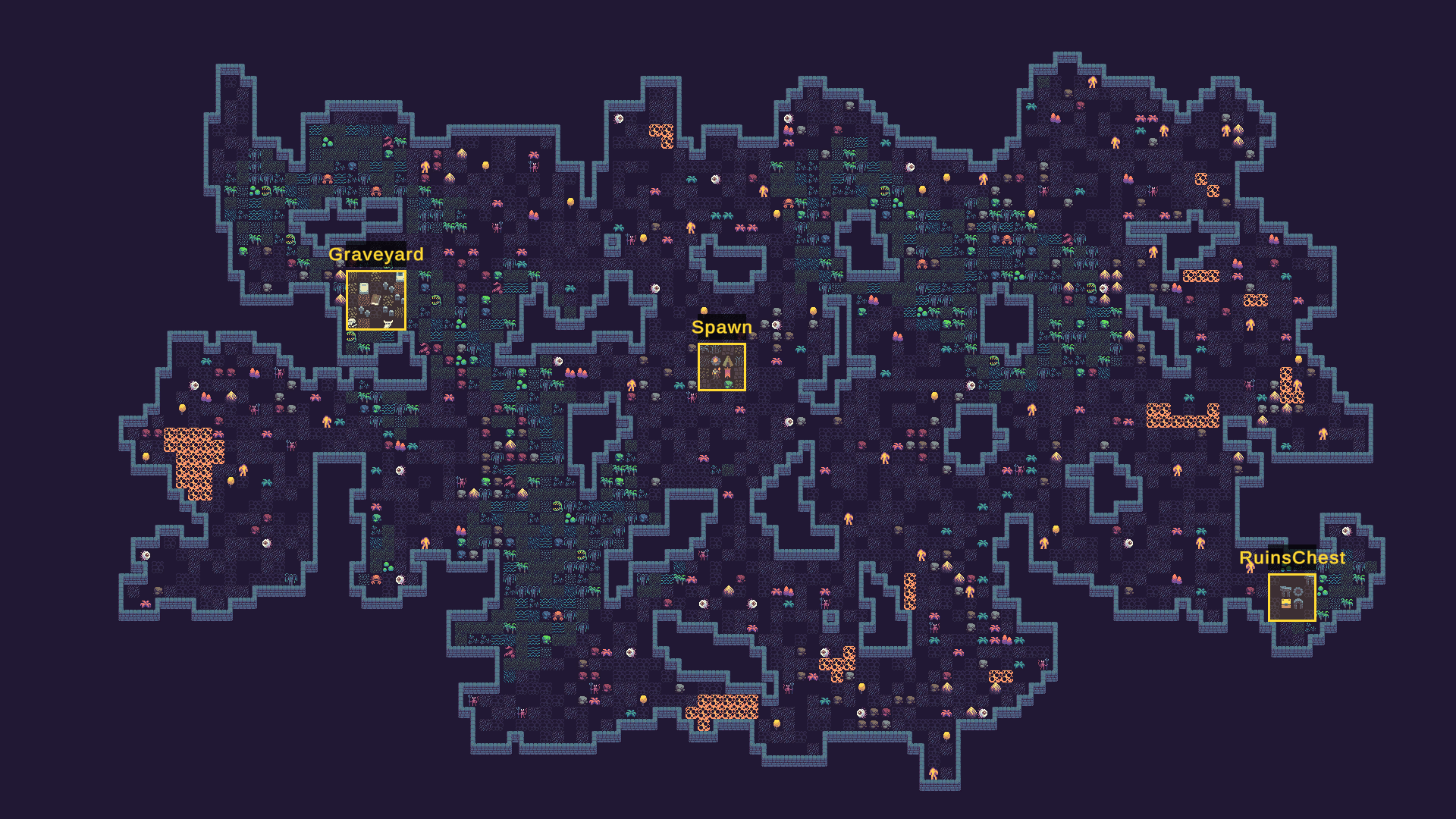
Final level
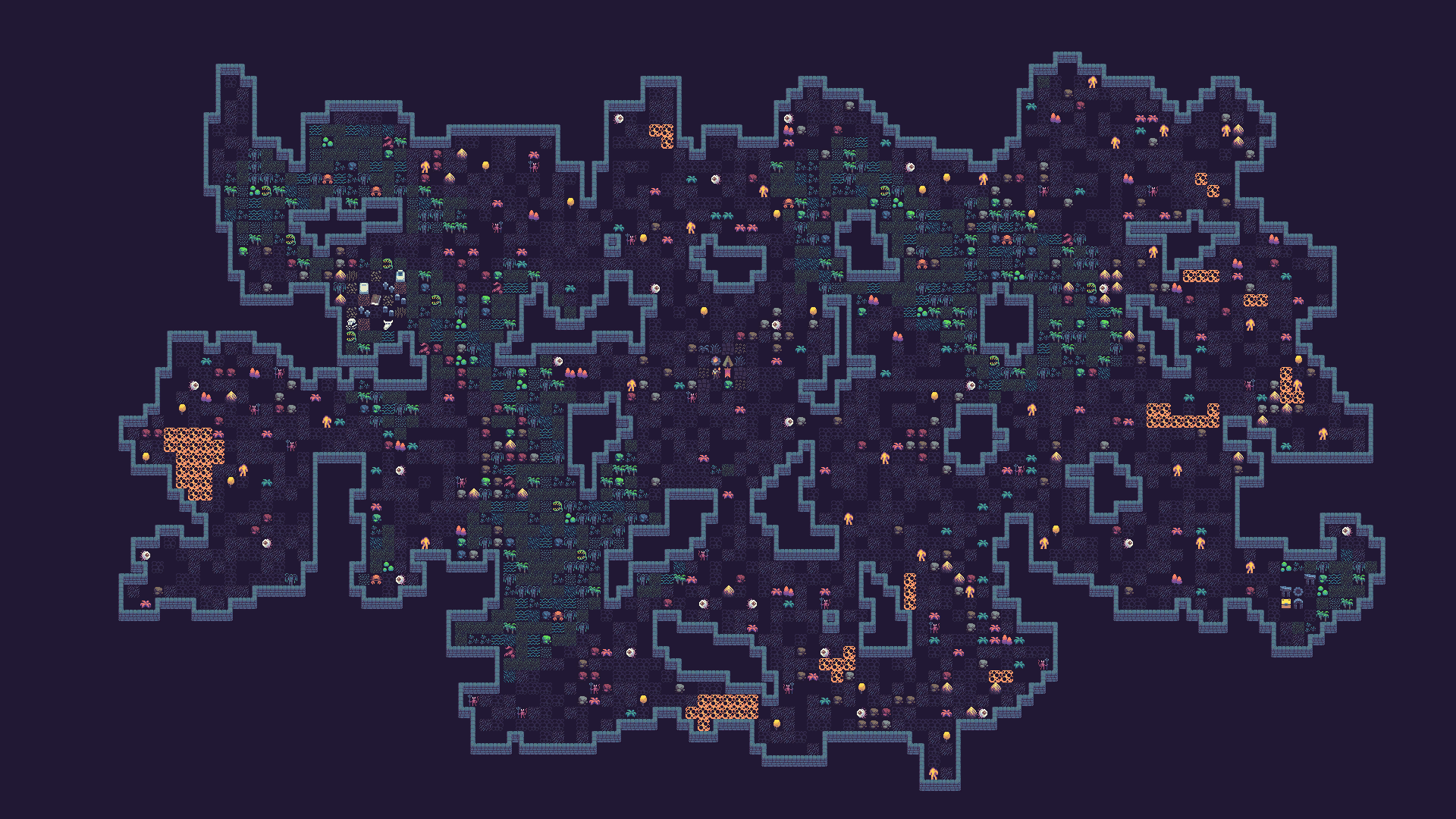
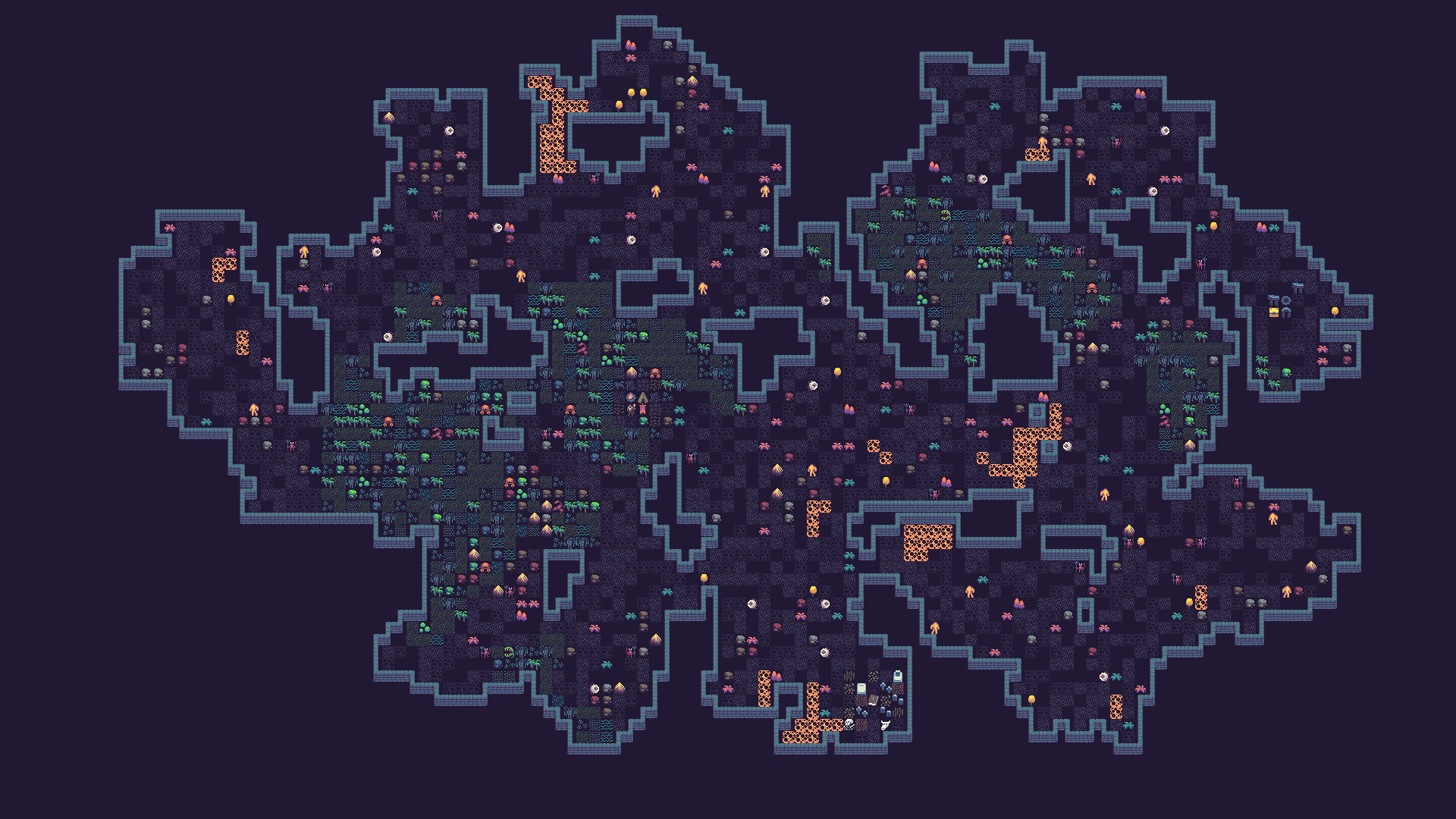
And this is the final level.
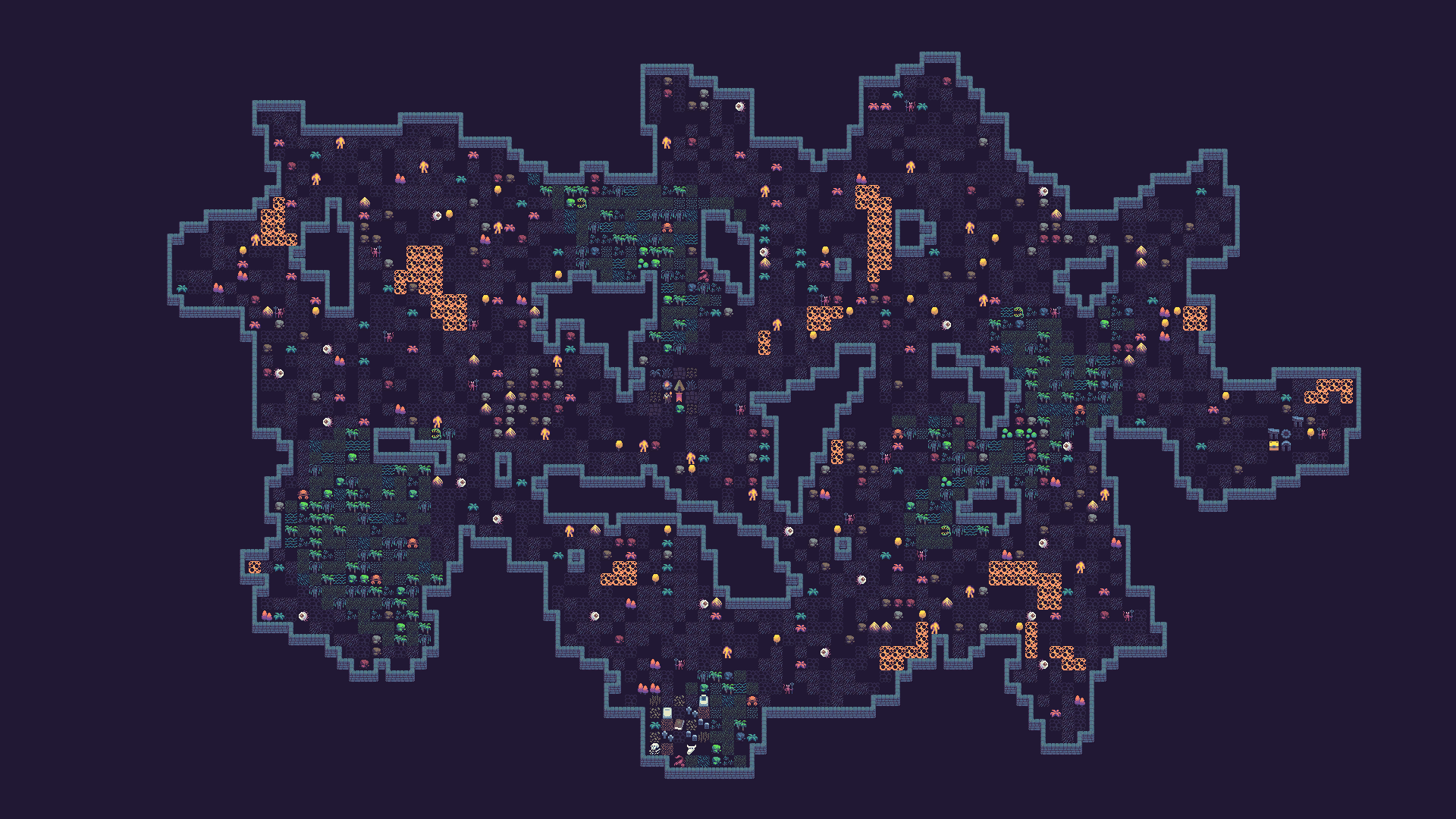
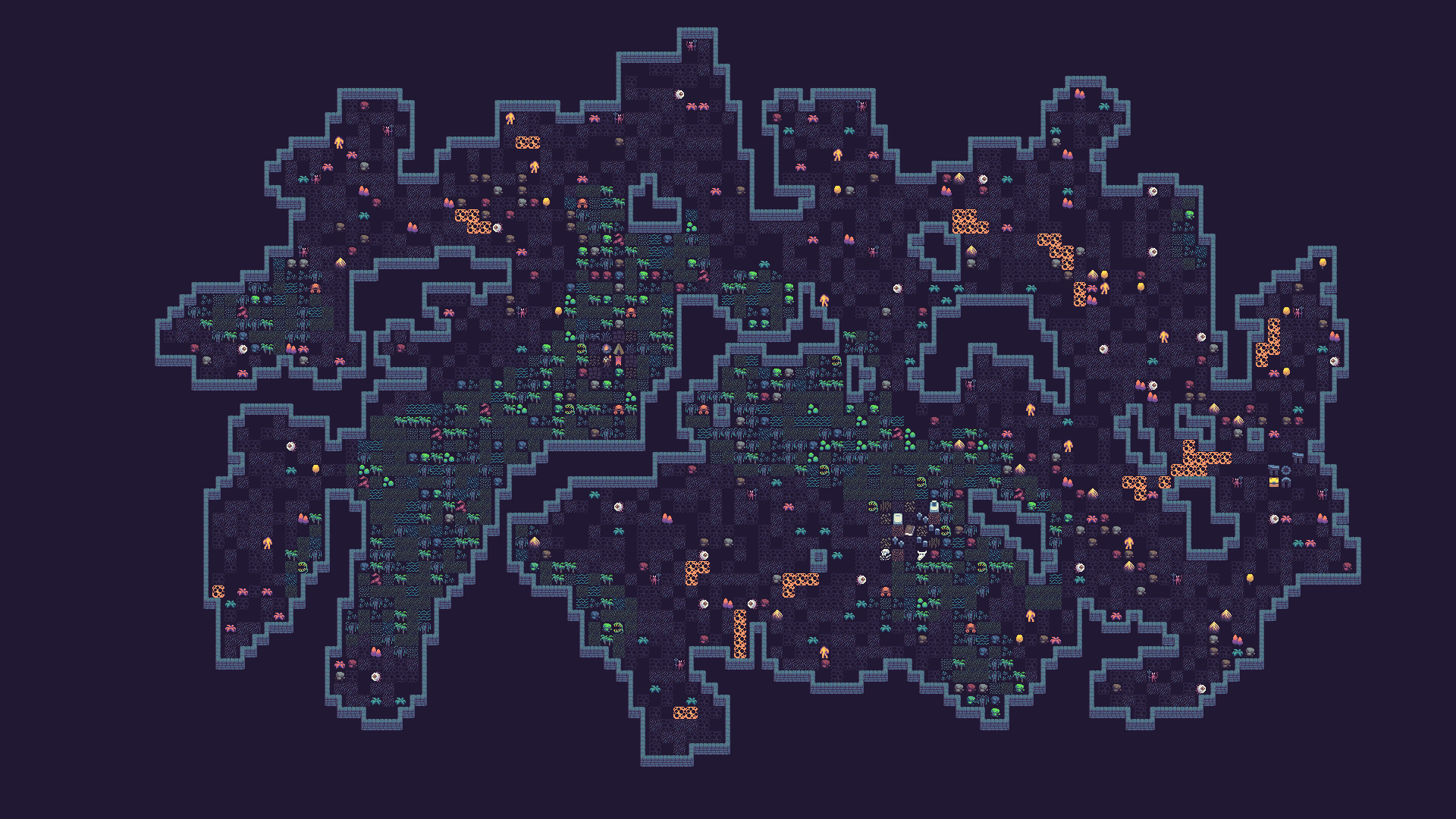
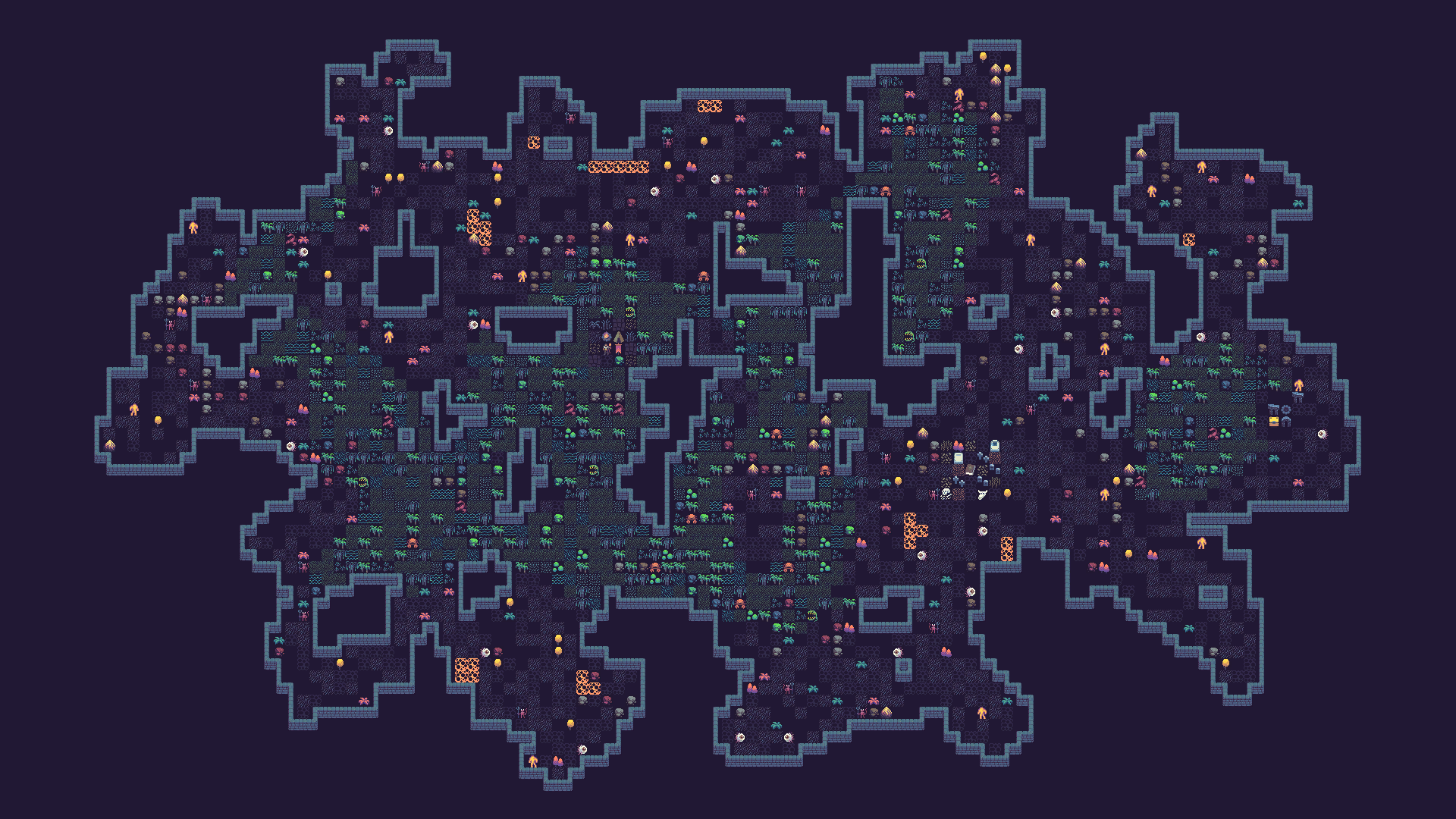
And here are some more levels.
If you'd like to try Frigga yourself, you can find it on the Unity Asset Store.